Presentations in Typst
I recently made a presentation that I called “Clicks to Pix”. It was a detailed guide on how information travels from a single keystroke over USB to a computer. Then how the modern desktop stack is organized and deals with the input. And finally, how the new outputs are generated and rendered within the linux kernel over HDMI.
Regardless, I had previously made a presentation for the same club, and used sent for slides. It was a bit of a sad experience to put it lightly. It’s very walled in and inflexible which is why I yearned for more.
Enter Typst
I had my eye on Typst for a while up until a while ago. Many many many theoretical computer science and math classes later and I figured it was time to stop doing everything by hand. In all honesty, I prefer to do my work by hand, but it got to a point where I needed to make so many edits to my work, that I was either running out of erasers or hand strength. Typst it was. The decision wasn’t even hard. Briefly, while in class, I had the displeasure of seeing my professor’s latex editor. I was mortified. The foul overuse of backslashes devastated me. The typst tooling was easy to get and use without much setup.
Obviously typst is great at typesetting documents. In the past couple weeks, I rewrote my resume, and decided typst would be my medium. The experience was great, leading me to ponder the prospect of presentations in typst. I was pleasantly surprised.
Presentation Format
To begin the presentation all you need is one line:
#set page("presentation-16-9"). If you don’t use 16:9 you
can specify a custom size. For example, I used
#set page(width: 340mm, height: 220mm). This just tells
typst how big each slide should be, as you can probably guess. This you
can use all the normal typst patterns to create the slides. The only
other gotcha is that you denote pagebreaks with
#pagebreak(). This ends up giving nice dividers in the
source between the content of each slide. I really found joy in the
creation of the presentation, which I can’t say is true for other
presentation software.
Small Example
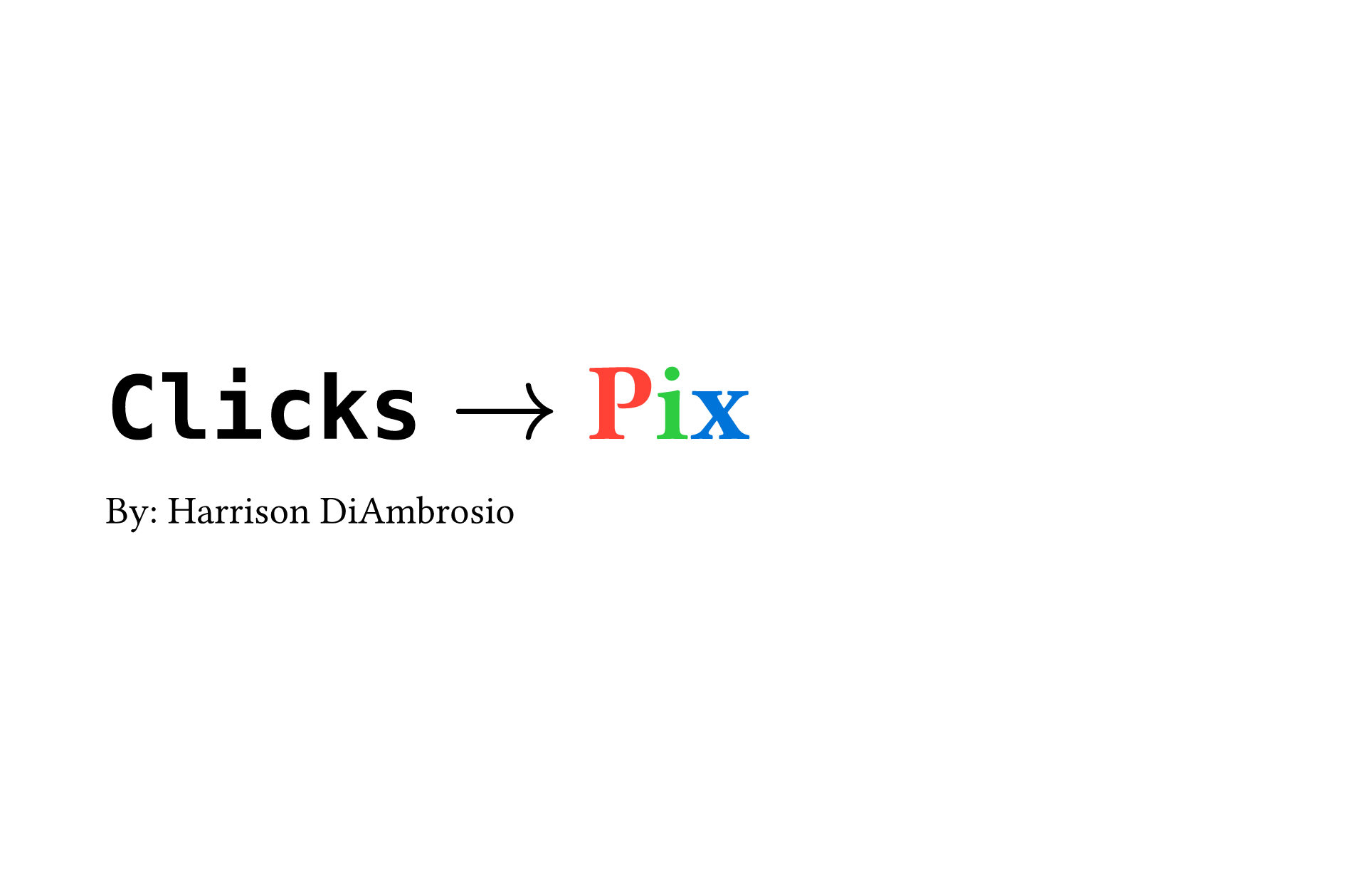
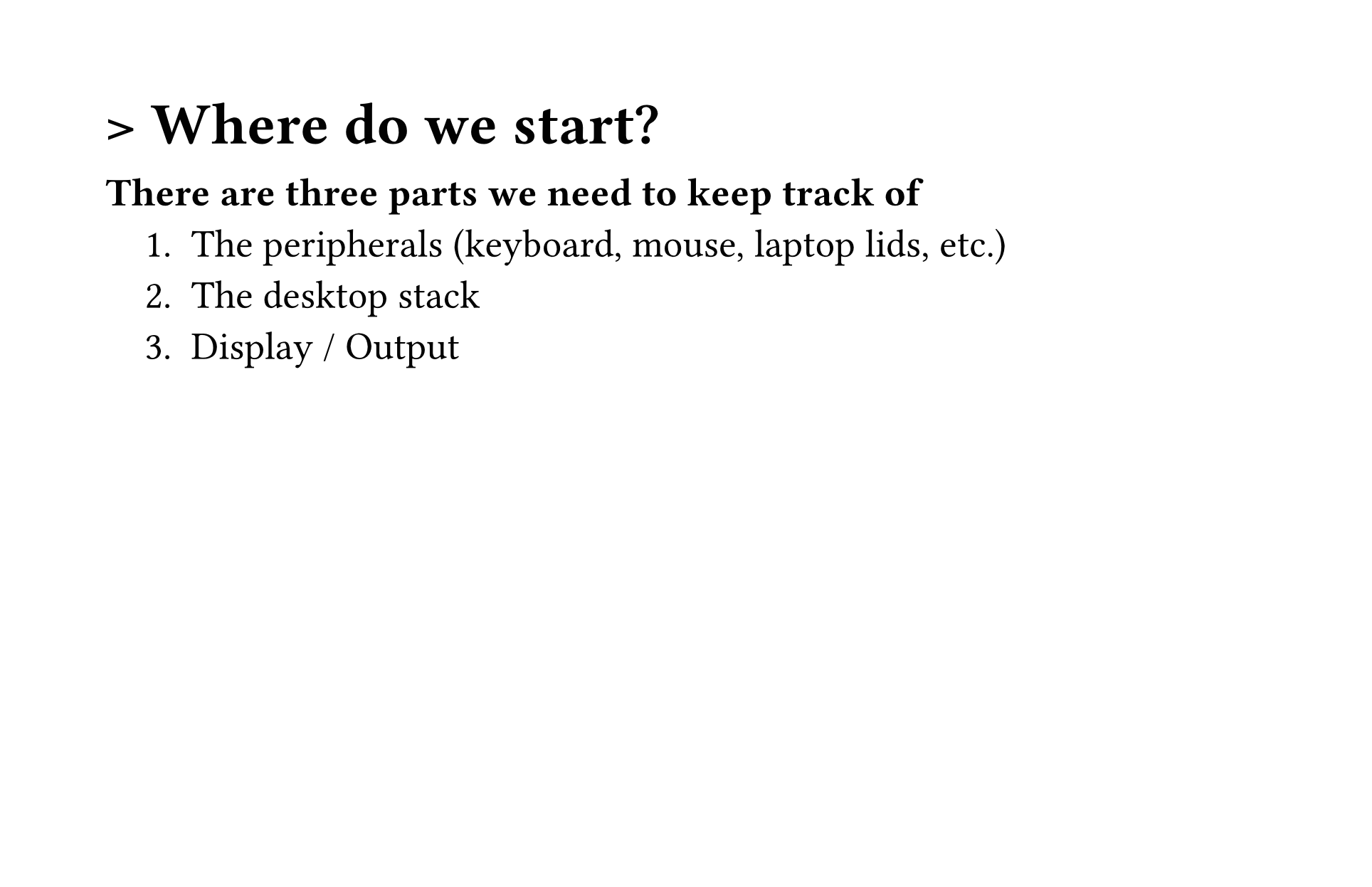
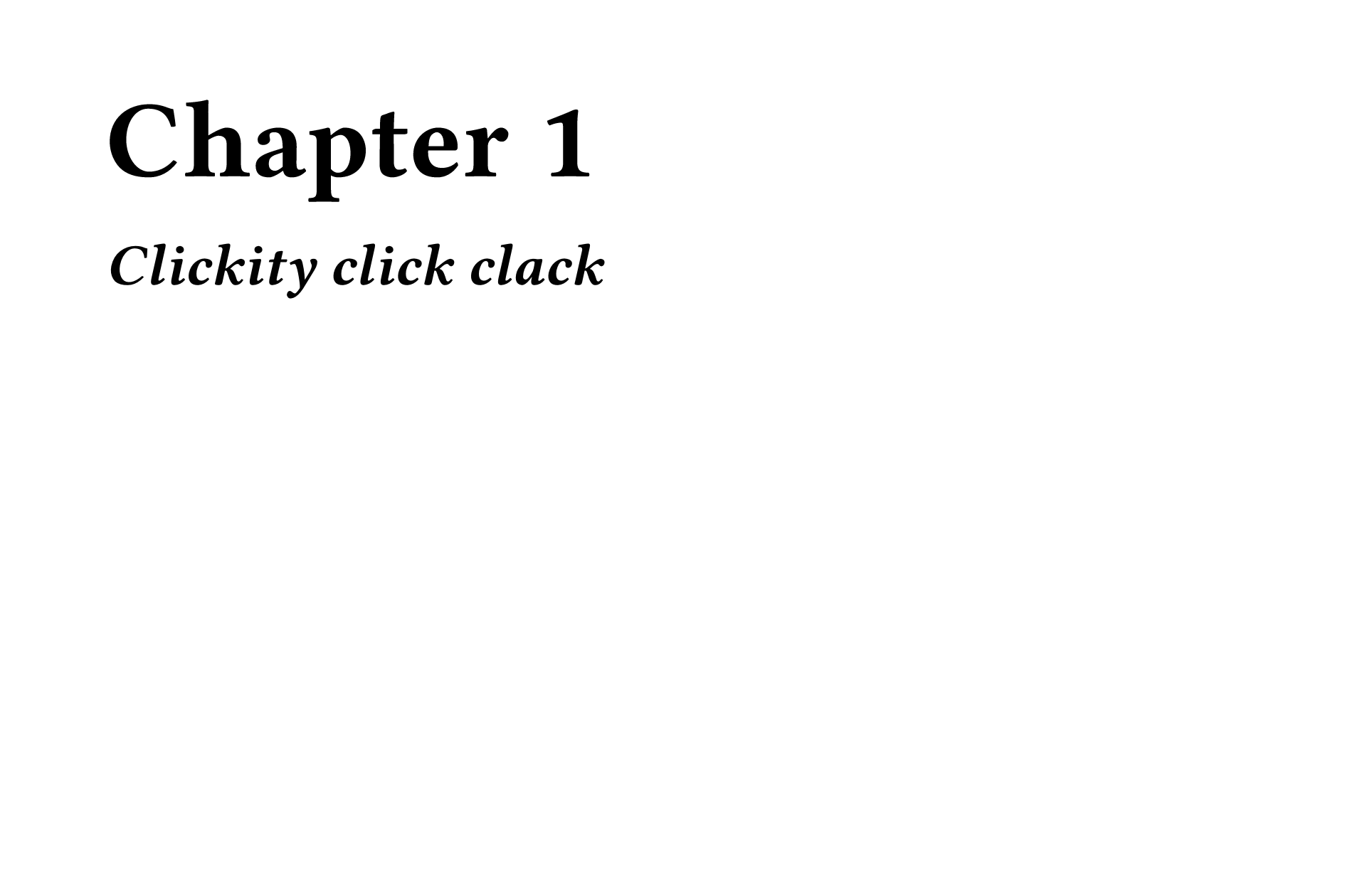
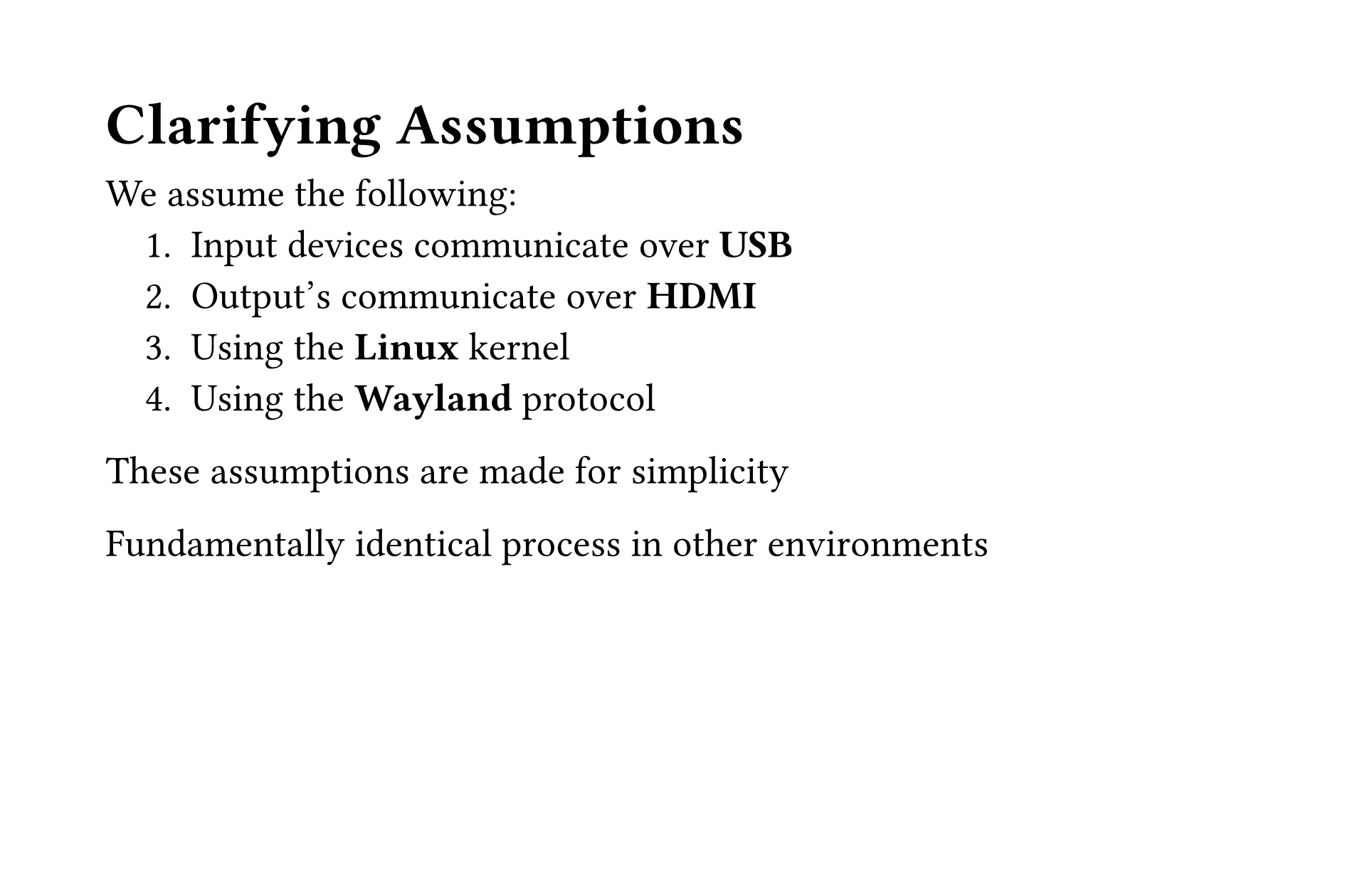
Below is a small exmaple along with the produced PDF. The
#set and #show rules are for text sizing, and
some other small style choices.
#set page(width: 340mm, height: 220mm)

#set text(size: 2.5em)
#show heading.where(level: 1): set text(size: 2em)
#show heading.where(level: 2): set text(size: 1.25em)

#align(horizon)[
  = `Clicks` $arrow$ #text(red)[P]#text(green)[i]#text(blue)[x] \
  By: Harrison DiAmbrosio
]

#pagebreak()

== > Where do we start?

*There are three parts we need to keep track of*
+ The peripherals (keyboard, mouse, laptop lids, etc.)
+ The desktop stack
+ Display / Output

#pagebreak()

= Chapter 1
== _Clickity click clack_

#pagebreak()

== Clarifying Assumptions

We assume the following:
+ Input devices communicate over *USB*
+ Output's communicate over *HDMI*
+ Using the *Linux* kernel
+ Using the *Wayland* protocol

These assumptions are made for simplicity

Fundamentally identical process in other environments